Microsoft Teams vs Slack 2026: Which is better for your team?
Teams and Slack both dominate the team messaging space, but they serve different types of organizations. Having tested both extensively in 2026 — managing projects with distributed teams across different time zones — here’s what actually matters when choosing between them.
This isn’t a feature checklist. It’s a practical comparison based on real workflows: daily standups, file collaboration, video meetings, and integrations.
The core difference: where they start

Teams starts as a Microsoft ecosystem tool. If your team already uses Office 365 / Microsoft 365, Teams is already included and deeply integrated with Word, Excel, PowerPoint, OneDrive, and SharePoint. The barrier to entry is essentially zero.
Slack starts as a standalone messaging platform. It integrates with third-party tools exceptionally well, but it’s not tied to any specific productivity suite. You can use it alongside Google Workspace, Notion, or whatever your team prefers.
This single difference shapes almost every other aspect of the comparison.
Daily messaging experience
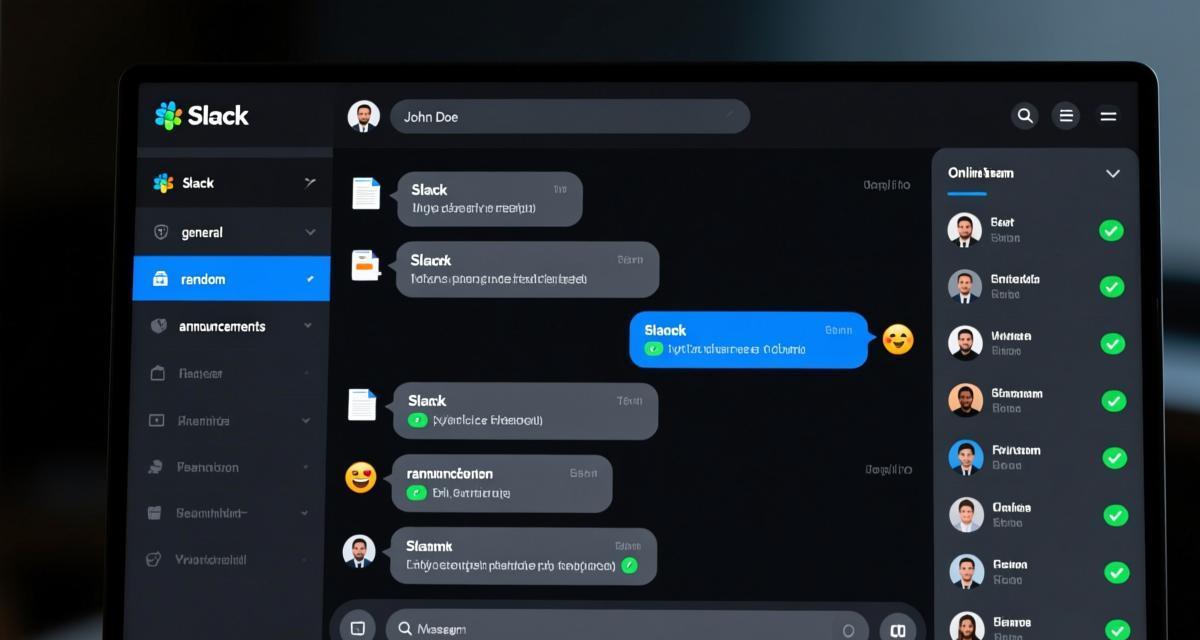
Both platforms handle channels, direct messages, threads, and file sharing. The experience is similar enough that switching between them takes about a day to get comfortable.
Where Teams wins:
– Seamless integration with Outlook — emails become conversations, calendar invites become meeting links
– Wiki and OneNote tabs inside channels for documentation
– “Meet now” button in every channel — start a video call instantly without scheduling
Where Slack wins:
– Faster and more responsive interface. Slack’s web and desktop apps load faster and feel snappier
– Thread navigation is smoother — Slack lets you collapse/expand threads more intuitively
– Huddles (audio-first spontaneous calls) are more natural than Teams’ “meet now” for quick voice chats
– Message search is noticeably faster and more accurate
For pure messaging speed and UX, Slack has the edge. Teams has caught up significantly since 2024, but Slack still feels more polished.
Video meetings and calls

This is where the gap is largest.
Teams has full-featured video conferencing built in: background blur, breakout rooms, live captions, meeting recordings, noise suppression, and Together Mode. It supports up to 10,000 participants in a single meeting (Enterprise tier).
Slack offers Huddles for quick audio/video calls and Slack Clips for async video messages. Slack also has Slack Video (acquired from Morning), but for formal meetings with agendas, screen sharing, and recording, Teams is significantly more capable.
Practical verdict: If your team does formal meetings (client presentations, all-hands, training sessions), Teams is the clear winner. If your team prefers async communication and quick voice check-ins, Slack Huddles are more convenient.
File collaboration

Teams uses SharePoint and OneDrive for file storage. Files shared in channels are automatically saved to SharePoint. You can co-edit Word, Excel, and PowerPoint files in real-time without leaving Teams.
Slack uses its own file storage (limited free tier: 5GB, paid: 20GB per member). It integrates with Google Drive, Dropbox, and Box for file management, but the co-editing experience requires switching to those platforms.
Key difference: In Teams, a shared Word doc is truly collaborative — multiple people edit simultaneously, changes are tracked, and the document lives in a shared space. In Slack, files are attachments — shared and commented on, but not co-edited within the platform.
If document collaboration is central to your workflow (contracts, reports, specs), Teams has a significant advantage.
Integrations and app ecosystem
Slack wins here. With over 2,600 integrations, Slack connects to virtually every tool a team might use: Jira, GitHub, Salesforce, Figma, Canva, Notion, Linear, and hundreds more. The Slack API is well-documented, and the App Directory is curated and easy to navigate.
Teams also has a large integration ecosystem (over 700+ apps in the Teams App Store), and since 2025 it has improved significantly. Microsoft has also made Teams more extensible with Power Platform (Power Automate, Power BI, Power Apps).
However, Teams’ real integration strength is with Microsoft’s own tools. If your tech stack is Google Workspace + Notion + Figma + Linear, Slack integrates more naturally. If your stack is Microsoft 365, Teams wins.
Notifications and information overload
This is a problem both platforms struggle with, but they handle it differently.
Slack offers more granular notification controls: you can customize notifications per channel, per person, per keyword, and set “do not disturb” schedules. Slack’s notification system is one of its strongest features.
Teams has improved its notification settings, but they’re still more rigid. Activity feed can become overwhelming, and filtering requires more clicks.
My approach: In Slack, I set specific channels to “all new messages” and mute everything else. In Teams, I rely on “@” mentions and flagging important messages. Both work, but Slack gives you more control with less configuration.
Pricing comparison
Slack:
– Free: limited message history (90 days), 1:1 Huddles, 10 app integrations
– Pro: $8.75/user/month — unlimited history, 20GB storage, all integrations
– Business+: $15/user/month — SAML SSO, compliance exports
Teams:
– Free: limited features, 60-minute meeting limit, 100 participants
– Microsoft 365 Business Basic: $6/user/month — includes Teams with 1TB OneDrive, more meeting features
– Microsoft 365 Business Standard: $12.50/user/month — full Office apps + Teams + SharePoint
Teams is cheaper per user if you’re already paying for Microsoft 365 (it’s included). Slack is more expensive as a standalone tool, but offers more flexibility if you don’t want to commit to the Microsoft ecosystem.
FAQ
Q1: Can I use both Teams and Slack at the same time?
Technically yes, but it creates confusion. Your team has to decide where conversations happen. Some companies use Slack for internal team chat and Teams for external client meetings. This works but adds context-switching overhead.
Q2: Is Teams free version good enough for small teams?
For teams under 300 users who mainly need chat and basic video calls, the free version works. But the 60-minute meeting limit is a real constraint. Microsoft 365 Business Basic ($6/user/month) removes this limit and adds cloud storage — it’s the practical minimum for most teams.
Q3: Does Slack work well for large organizations (500+ people)?
Slack Enterprise Grid handles large organizations well, with shared channels across workspaces and enterprise-grade security. But the cost scales quickly. At scale, Teams’ per-user pricing advantage becomes significant.
Q4: Which is better for async work?
Slack is slightly better for async communication: Clips for video messages, better thread navigation, and more flexible notification controls make it easier to catch up on your own schedule. Teams has improved with scheduled send and Viva Insights, but Slack still has the edge.
Q5: Can I migrate from Slack to Teams without losing data?
Microsoft provides migration tools, but the process is not seamless. Messages, files, and channel structures can be migrated, but some formatting and integration configurations don’t transfer. Plan for a 2-4 week transition period with parallel running.